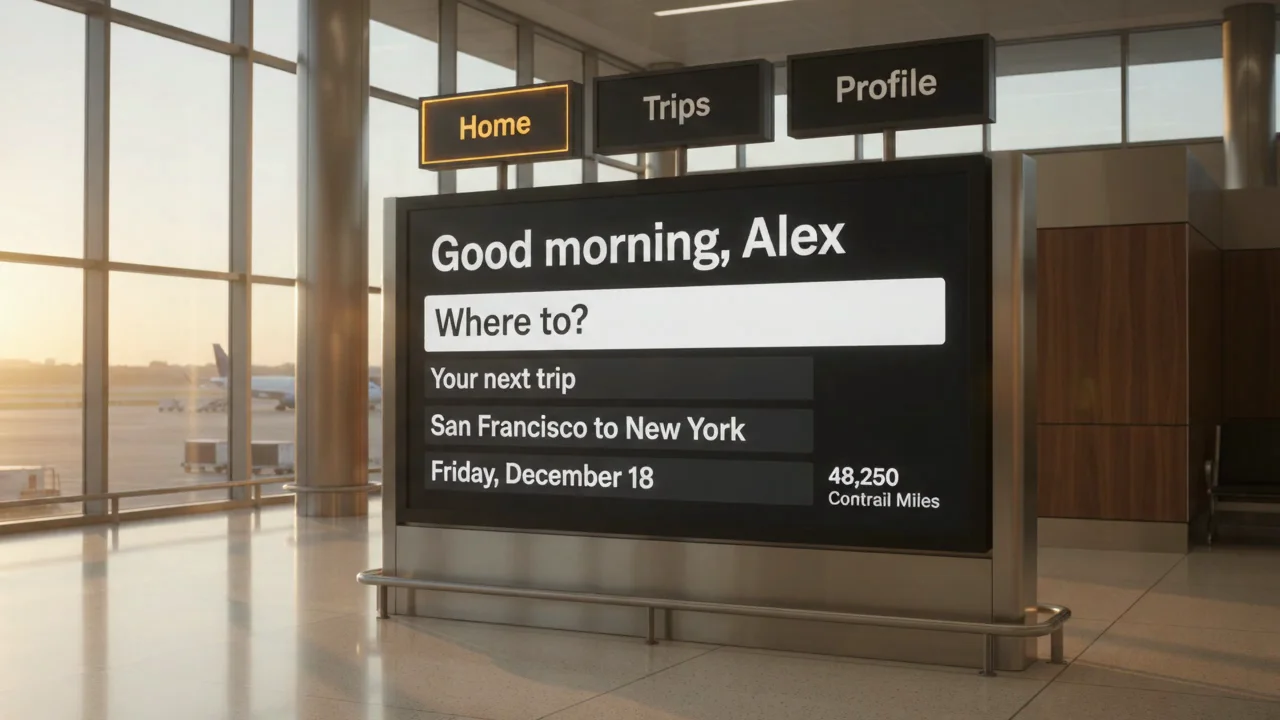
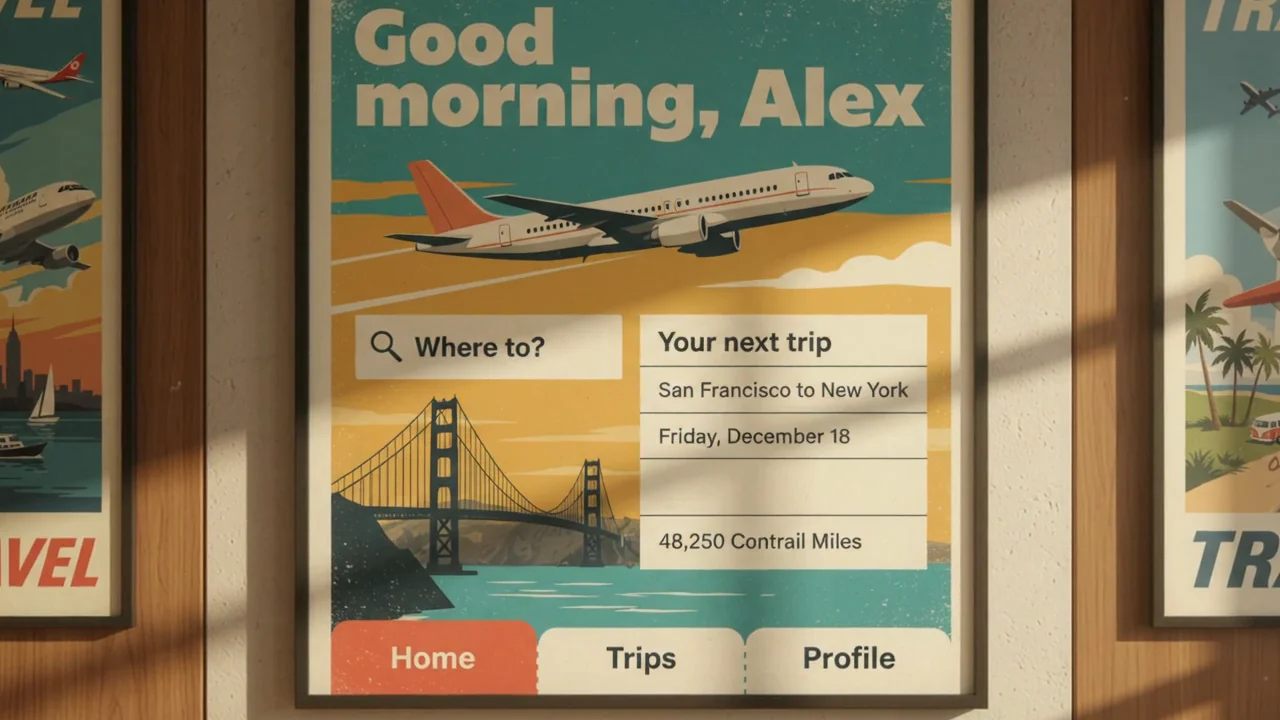
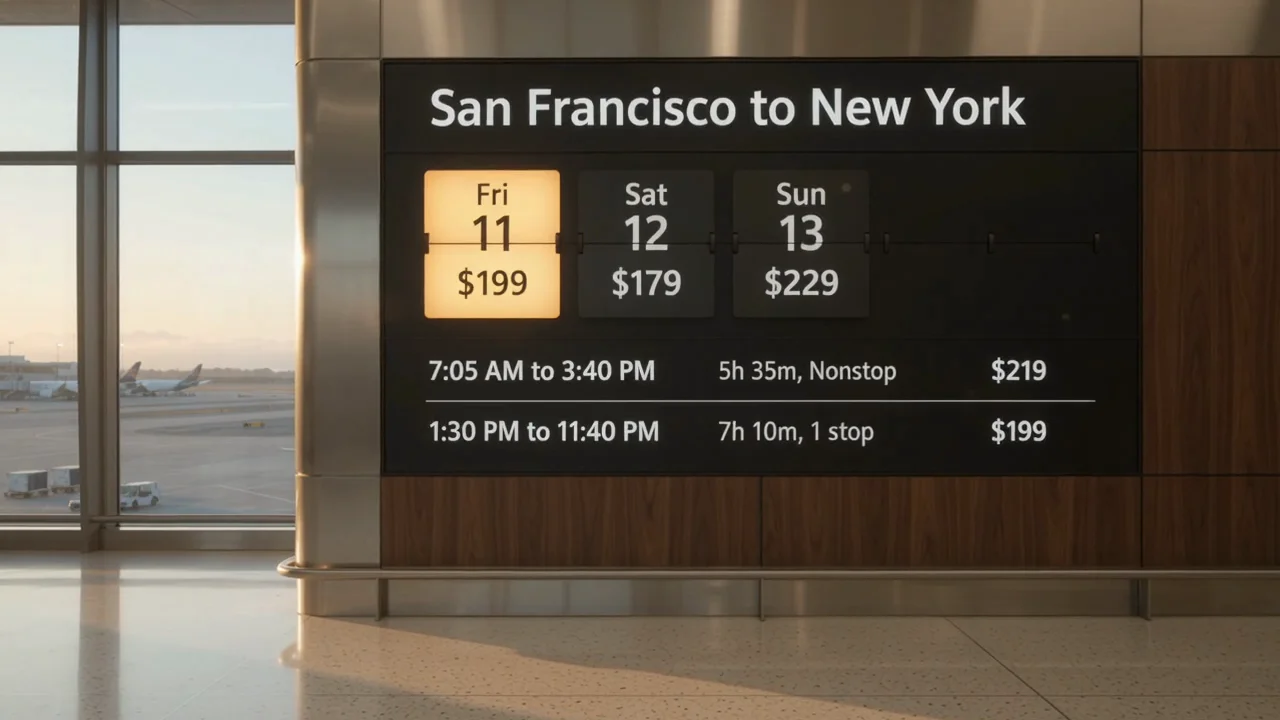
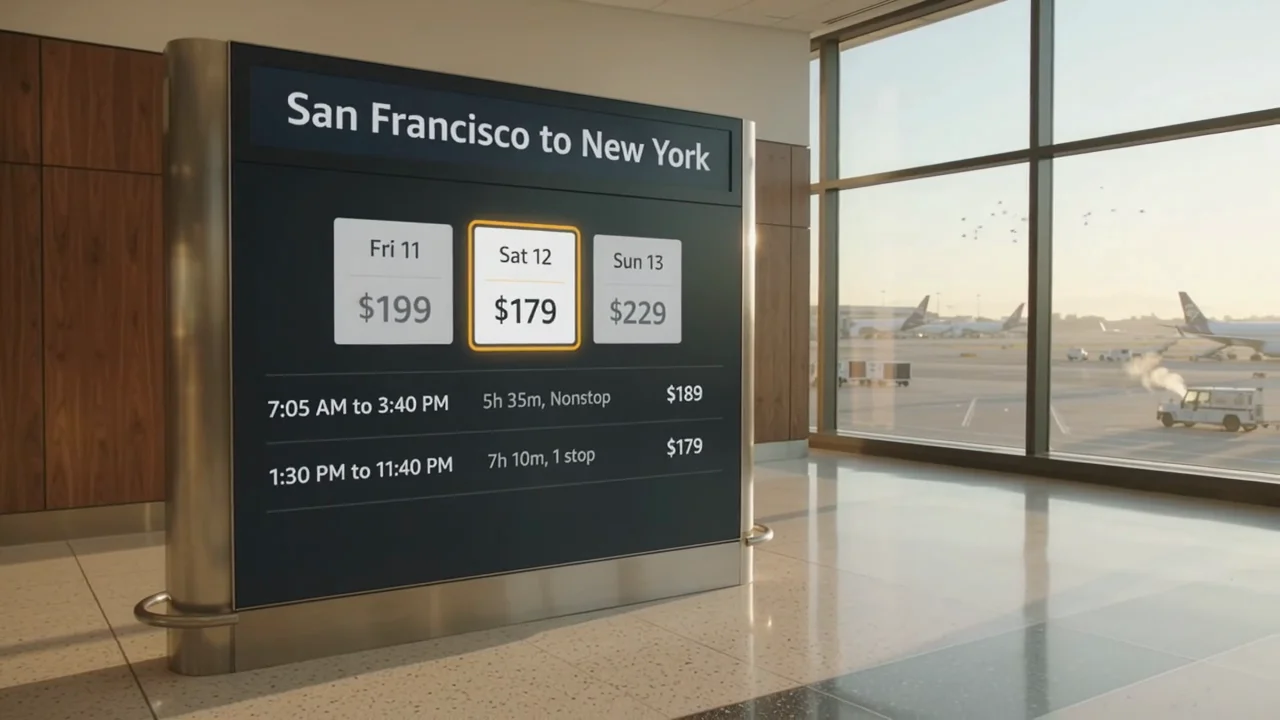
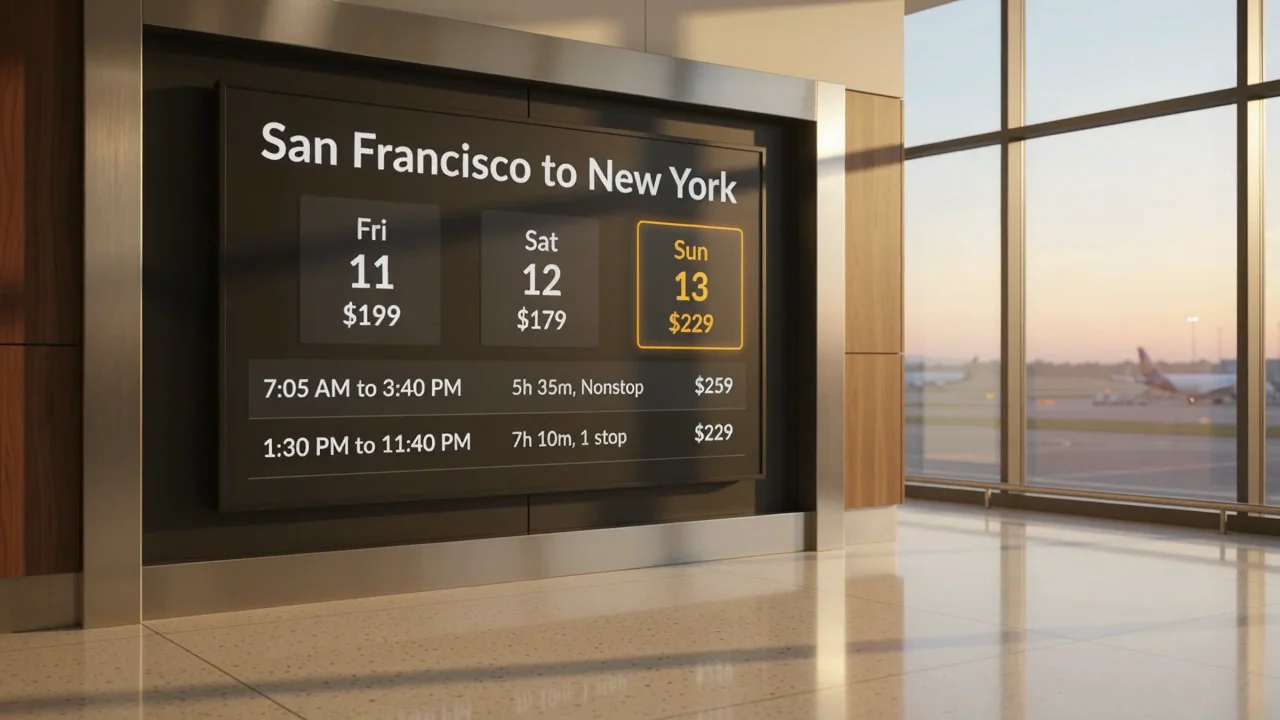
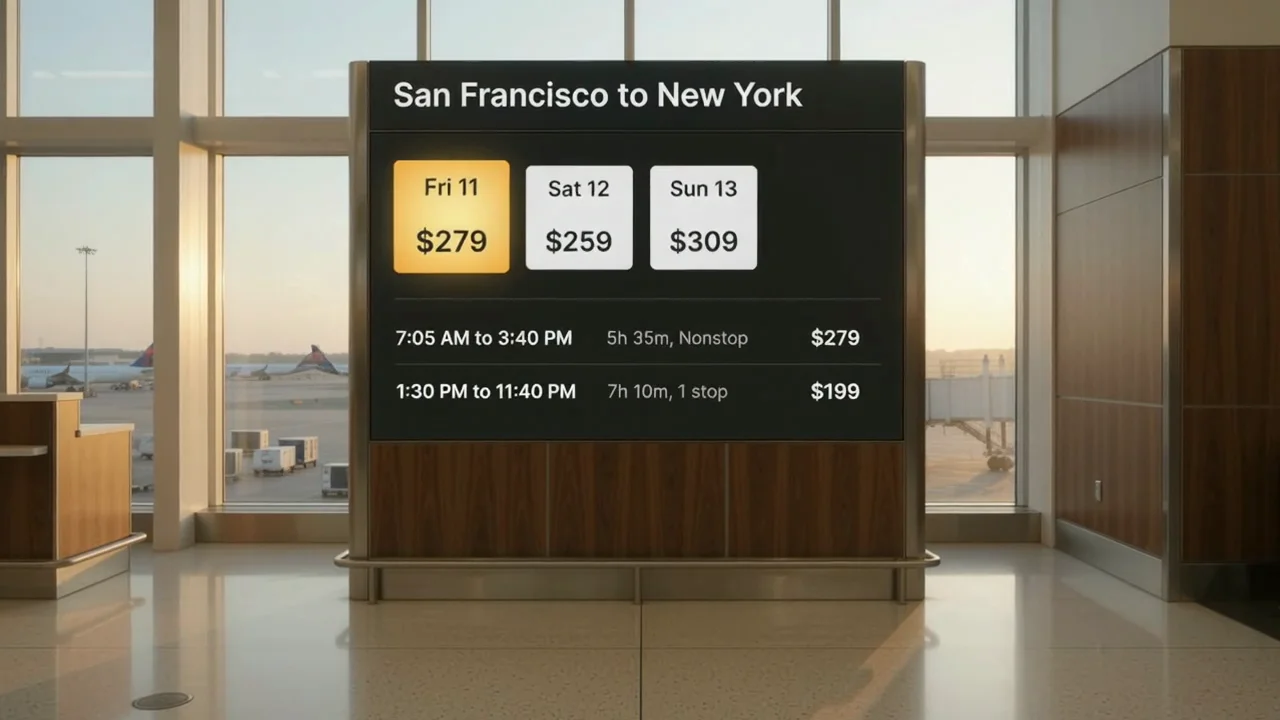
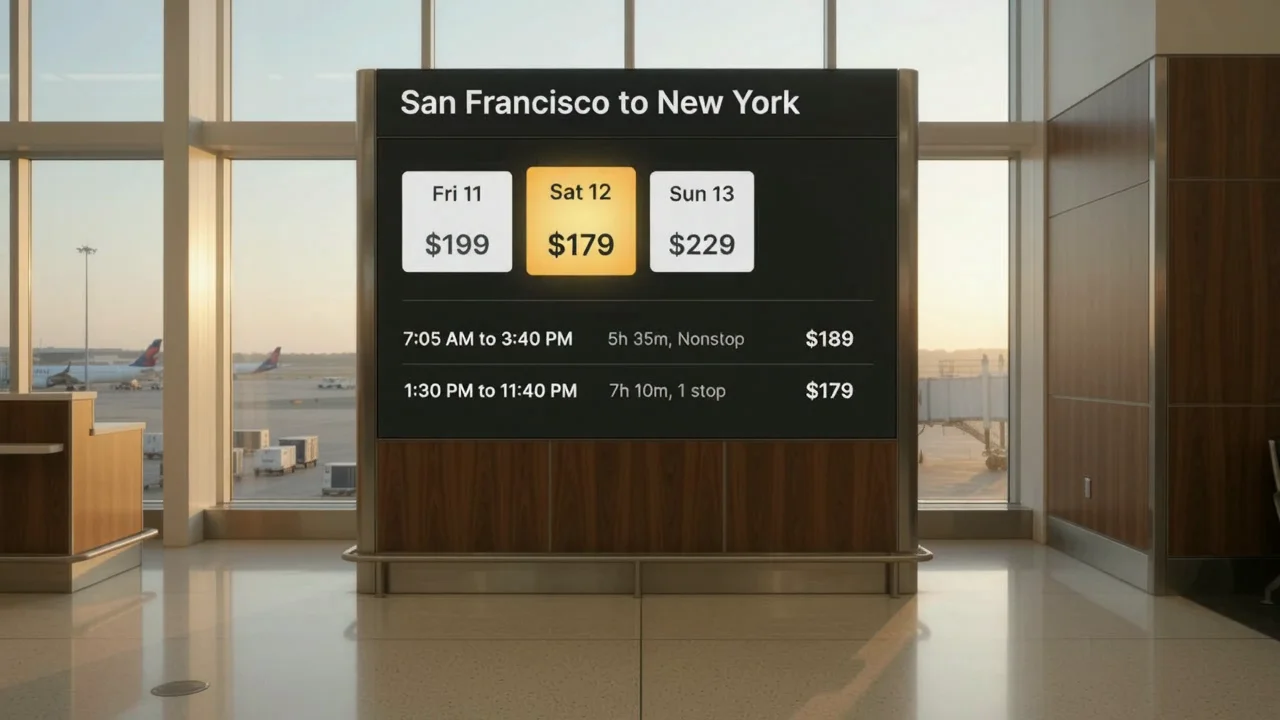
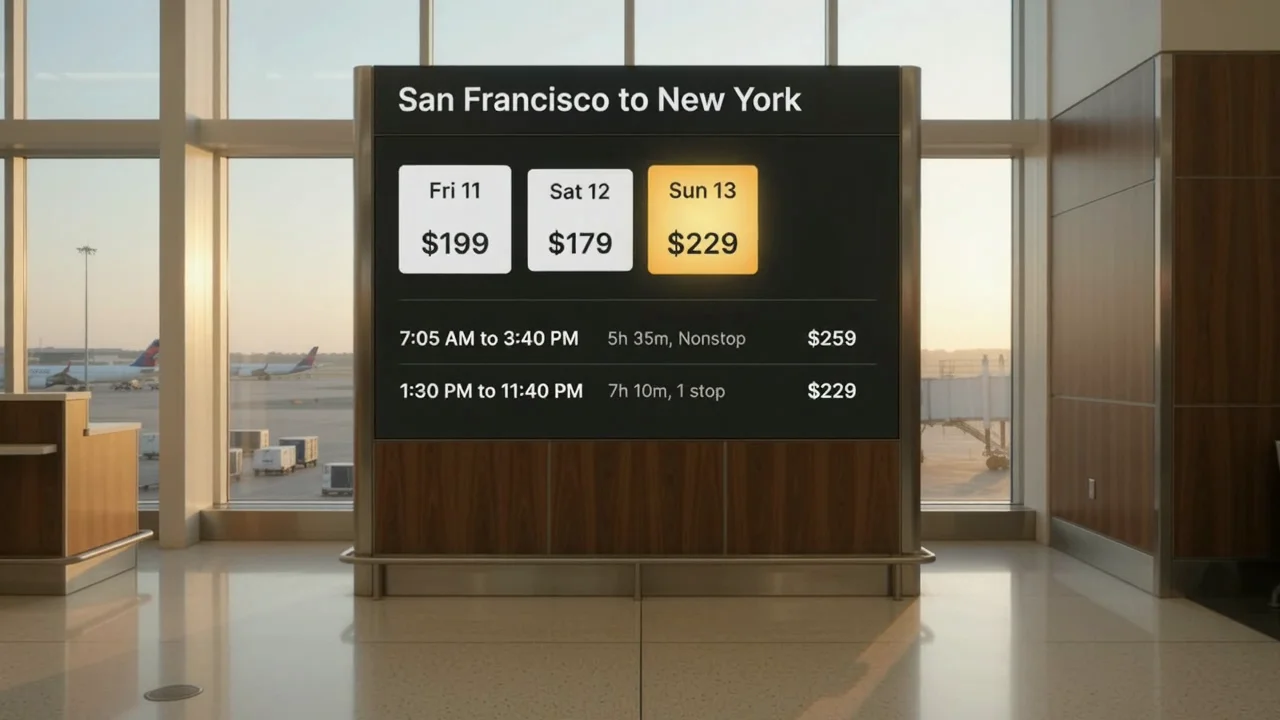
Write an app as a screenplay. One video model films every screen and every move between them. A player clicks through the film, and to the person using it, the film is the app.
Reel 1
The next interface will be filmed, not built
Generative models already stand in for software that people used to write by hand. NeuralOS simulates an operating system with a diffusion model trained on desktop sessions. GameNGen runs DOOM in real time from past frames and key presses. Genie learns playable worlds from video. Generative UI has a language model write a whole experience as a web page. And video models are turning into general vision systems that can reason about what they draw.
We think the whole application is next. An app could be rendered ahead of time by a video model like today's, or generated live by a real-time world model. Either way, the pixels come from a model, and nobody builds a front end.
Why would anyone want that? A toolkit gives every app the same rectangles, type, and icons. A video model's material is anything a paragraph can describe. An app can be a departure board at dawn in one version and a wall of printed travel posters in the next, from the same code. Moving between screens can be a camera move through a place instead of a slide. Describing an app is easier than building one, and the result can be more fun to use.
Reel 2
How Videotape makes an app
You don't set up a framework, a component library, or a build for each platform. You write two things, the user stories and the look, and Videotape films the rest.
Write the user stories as a screenplay
Each screen is a Python function. Each action names the screen it goes to. The data comes from plain JSON files. The screenplay says nothing about looks.
examples/contrail/contrail/screenplay.py
@app.scenedefsearch():
options: list[vt.Option] = []
for place in airports.where(lambda a: a.code != "SFO").order_by("city"):
go = dates(place) ifserved(place) elseno_flights(place)
options.append(vt.Option(f"{place.city} ({place.code})", to=go))
return [vt.SearchBar("Where to?", options=options, no_match=not_found())]
@app.scenedefnot_found():
return [
vt.Heading("No airport matches"),
vt.Text("Try a city or a three-letter airport code."),
vt.Button("Search again", to=search()),
]
Write the look as a story
A story is a few short prompts: one for the whole look, one line per screen, one per kind of element, and one per kind of move. A second story gives the same app a new look without touching the code.
examples/contrail/stories/terminal.toml
# Contrail as a quiet airport terminal at first light. Each scene is a place in it.version = "1.0.0"look = """A quiet international airport terminal at first light. Polished pale terrazzo, tall glass walls ontothe runway, brushed steel, warm walnut, and low golden sun. Every sign is a dark panel with crispwhite letters in a plain sans-serif face."""[scenes]home = "The main hall, facing the big departure board."search = "A self-service kiosk by the tall windows, its screen listing the destinations."# ...[elements]Button = "a lit amber panel with bold black letters, like a gate sign"# ...[moves]default = "The camera turns from the sign, which keeps its words, glides through the terminal to the next place, and settles."
Render and check
Videotape walks every state the screenplay can reach before anything is filmed. One video model then films a still for every state and a clip for every move. Two vision-language readers from different model families read every take back, and a line passes only if both read it exactly as the screenplay wrote it.
Play it anywhere video plays
The result is a tape: the clips, plus a small file that maps each drawn button to the clip it plays. The player rests on a still, turns a click into a clip, and hands the screenplay's exact words to the screen reader. Today's player is a native macOS app. Players for iOS, the web, and Android are the next milestone, and the demo below already plays the tape in your browser.
Reel 3
What apps as video unlock
Some of these Contrail already shows. Others are where we think the approach leads, and each card says which.
Shown
The code is the user journeys
A screenplay reads like the user stories a product team already writes: this screen shows these things, and this button goes there. The gap between what product means and what engineering builds shrinks, and so does the risk of building the wrong thing.
Shown
No front end to build
The model draws every pixel of every screen and every transition. Developers spend their time on the stories and on how they fit together to serve a purpose, not on layouts, widgets, and styling.
Shown
Gaps show up before anyone ships
The app is a finite graph of states, so Videotape walks all of it first. A screen that no action reaches, a button that leads nowhere, or two buttons that can't be told apart is an error with a code before a single frame is filmed. An event-driven app usually needs extra tools to find its unhandled paths.
Shown
A new look is a paragraph
A holiday theme, a dark mode, a brand refresh, or a look for one event is a new story, not a redesign. Contrail has two stories that share every line of code.
terminalposters
Our bet
Every platform already plays video
A tape needs no cross-platform framework and no particular language. A player on each platform is a video view with hotspots. Sensors and other device features still need each platform's own code, but the interface itself carries over unchanged.
Our bet
Apps travel like videos
A tape is a set of files, versioned and signed, that any player runs. Sharing an app could be as easy as sending a video, without app store reviews and their restrictions in the way.
Our bet
Everyone makes their own apps
Software keeps moving toward people building what they need for themselves. If describing an app is enough to make one, the player can become the layer apps run on, and much of what an operating system does for apps today stops mattering. That is a new way to deliver software.
Reel 4
Play Contrail
Contrail is a demo flight-booking app: search, a date picker, flight lists, a booking, trips, and a profile with two charts. Every pixel below was drawn by one video model, gemini-omni-flash-1.2. Click the drawn buttons. Switch the story at any screen to see the same state in the other look.
What the tape says about this screen: home()
These are the exact words the screenplay gives this state. The player hands them to the screen reader, and the checks hold the picture to them.
The walkthrough
The paper's supplementary video clicks through both published tapes, 2 minutes 36 seconds with no sound.
Reel 5
From the first slices to the final tapes
Contrail was built in eight slices. Each design decision was settled by a paid run with a cap approved before the first call, and every take was checked. These are the takes those tests filmed.
Prototype 1: a surf shop that dissolved
The first tape was a five-screen surf shop. Wan 2.2 TI2V-5B drew 3 of its 5 buttons legibly for $3.48. Wan 3.0 drew all 5 for $15.00. But no move between two separately drawn screens traveled like a camera. The 5B model dissolved all five, and Wan 3.0 dissolved two, cut one, and wiped two. Continuity became the problem to solve.
Wan 2.2 TI2V-5B, "Enter shop"Wan 3.0, "Enter shop"
The screen test: three models, the same screens
Eight keys that hold every element type, three hosted models, both stories, two takes each. The model that drew the most elements so that every check passed became Contrail's model.
Model
Elements passing every check
Invented controls
wan3.0
68 of 120 (56.7%)
87
minimax-h3
67 of 120 (55.8%)
22
gemini-omni-flash-1.2
96 of 120 (80.0%)
0
Variants: one layout across many data
Most of Contrail's screens are variants: 9 results, 18 flights, and 18 confirmations, each sharing a scene with others and differing only in their data. In a test of 20 variants drawn each on its own, the layout held in 3. Drawn from the scene's first picture, it held in all 20, at $2.35 per passing variant instead of $9.14. The catch: a variant drawn from a picture tends to keep that picture's words, so those get retaken.
Each on its own
From the first picture
Moves: film the screen as the camera arrives
Pinning a clip between two separately drawn pictures made 4 of 12 terminal moves travel, with 3 cuts. Drawing each screen as the last frame of the move into it, a rehearsal, made 7 of 12 travel and removed every cut. The posters story, which stays on one wall, traveled in 11 of 12 either way.
Pinned between two picturesRehearsed into the screen
The two full tapes
Each story is 150 shots: 58 screens and the moves between them. A UI test then walked all 164 steps of every journey on a fresh copy of each published app.
terminal
posters
Shots right on the first take
80 of 150 (53%)
106 of 150 (71%)
Cost
$248.87
$149.35
Render time
6.5 hours
3.5 hours
Published app
59.4 MB
56.1 MB
Failures accepted
12
4
Across all four paid tests, both readers read 4,364 lines. They agreed on 76.1% being exact. On about one line in fourteen, only one of them read it exactly, so neither reader could be dropped.
Reel 6
Where it falls short, and why now
This is early work, and the shortfalls are part of the result.
A tape is as big as its data. Contrail's search offers six destinations and its date picker three days. Any city or any date needs states rendered on demand, which isn't built.
Nothing is remembered between screens. A booking shows its confirmation but doesn't appear in Trips, because keeping it would multiply every later screen by the 18 flights.
Three elements were narrowed to what the model could draw. The date picker became a row of day tiles, the charts cover June to November instead of the whole year, and the trips heading was renamed. Dense numeric elements such as line charts still defy current models.
Words are not yet exact on the first take. 53% and 71% of shots passed first time, and 16 failures were accepted when the budget ran out.
Many UI components are still untried, and so far there is one app, one person marking the checks, and a player only for macOS.
Still, two full tapes of 150 shots each were filmed, checked line by line against the screenplay, published, and clicked through end to end, at $149 to $249 a tape. That is the case for doing this now: the video models are already good enough to make apps this way, and the gaps have clear next steps. The next rungs are fine-tuning an open video model on the takes these tapes produced, then pre-training one for interfaces.
Reel 7
The paper
Videotape: An App Written as a Screenplay and Rendered, Screen by Screen, by One Video Model
The paper reports every measurement on this page, the cost of each slice, how the checks were calibrated against a person's judgments, and the remedies we plan. The framework and the Contrail demo are open source under the Apache License 2.0.